
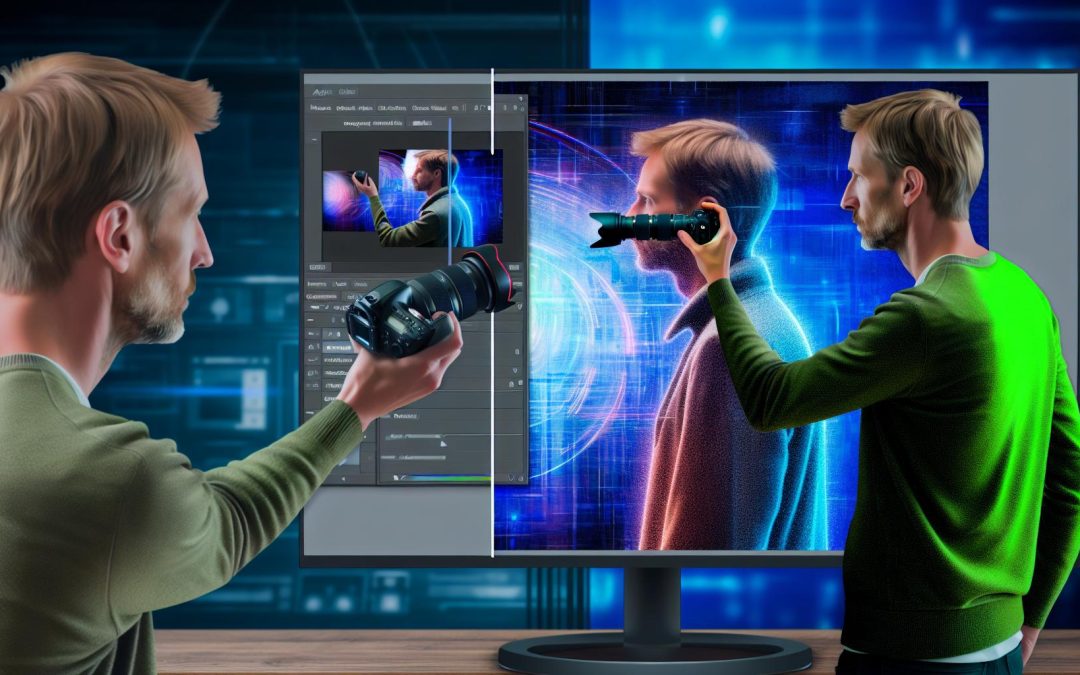
Unleash the power of AI to refine your photos and enhance your workflow. From free apps to premium software, discover the tools that will help you remove backgrounds effortlessly. Our focus is on empowering photographers to stay ahead with cutting-edge solutions, ensuring every image shines with professional polish. Dive in to explore techniques and strategies.
The Growing Role of AI in Photography
AI tools are changing photography.
Photographers, new and experienced alike, are drawn to background removal tech for its practical perks. It shaves off tedious hours from complex editing tasks. Odd to think, but an independent photographer might now match the speed of a large studio, thanks to options like Adobe Photoshop’s AI-powered features.
This newfound power slashes the learning curve for many. AI tools open doors to artistic exploration, letting creators focus more on style, less on tech woes. There’s something almost personal about it. If you’re curious, glance at these tricks of the trade for a deeper dive into editing magic.
Yet, some scepticism lingers. Are these tools a crutch or a skillful companion in a photographer’s repertoire? Sometimes, ambiguity adds spice to the mix.
Top Free AI Tools for Background Removal
Removing backgrounds with AI-driven tools is surprisingly accessible for everyone.
For photographers on a budget, free tools like Remove.bg and Canva offer easy solutions. They’re user-friendly and eliminate the need for complex editing software. These tools let you upload an image and watch the magic unfold, all within a few clicks.
The results? Often impressive. Although, there may be some inconsistency in handling intricate details, which can be a bit frustrating.
Tools like these offer flexibility and convenience, empowering photographers to keep costs down while experimenting with various creative applications. This freedom creates room for even the smallest budgets to stretch further, perhaps balancing quality and cost differently than premium options.
So, shall we dive into the tech world and experiment a little?
Exploring Premium AI Background Removal Tools
Premium AI tools for background removal are a game-changer for photographers craving that extra edge. Their sophisticated features offer precision that free tools might not always deliver, enhancing your work quality and speeding up the process.
Take Adobe Photoshop, for instance. It’s packed with detailed controls, giving you the freedom to perfect every pixel. The monthly cost might make you hesitate, but the results often pay for themselves in saved time and higher quality outcomes.
Premium tools lead to cleaner, more professional results, which perhaps boosts your photography business. They integrate seamlessly into existing workflows, eliminating headaches. For a glimpse of editing prowess, check out this guide on editing techniques.
When perfection is your aim, these paid options often make the journey smoother. Navigating tangible benefits rather than statistical assurance, they infuse practicality into artistic ambitions.
Step-by-Step Guide to Use AI Tools
Removing backgrounds with AI tools is simple. Break the task into bite-sized steps for clarity.
Begin with a free tool like Remove.bg. It’s perfect for quick fixes. Start by uploading your image. Wait for the AI to work its magic. You’re left with a clean slate, and no hassle. But maybe you feel a bit constrained? Paid options like Adobe Photoshop provide more control. Open the image, click ‘Select Subject’, and then ‘Select and Mask’. Fiddle with the settings for perfection. Patience here rewards high quality. Avoid over-editing — it can make things look unnatural. For more on editing without mistakes, check out this guide.
Trust your instinct. With experience, you’ll know when to stop. That’s it, you’re good to go.
Integrating AI Tools into Your Workflow
AI tools can enhance a photographer’s workflow.
Imagine having the power of AI right at your fingertips, complementing your creative process. Fancy names like Remove.bg or Adobe Photoshop’s newest AI features might sound daunting, right? But the trick isn’t to let them take over. Use these tools to handle repetitive tasks, freeing your mind for creative decisions. Let AI slice out that background, but you decide where the magic happens.
You don’t want to become lazy though. So, keep up, read about trends, and test new features that suit your style. A favorite resource might be something like AI masking tutorials in Lightroom.
Do stay vigilant though. Updates roll out faster than a lens change. Adopt AI purposefully, maintaining a balance, and honouring the vision that prompted you to pick up the camera in the first place.
Maximizing Benefits of AI in Photography
Photography is more than just capturing moments, it’s about shaping them. And AI tools turn that into child’s play.
Picture this, you’re working with a frame, maybe featuring a marvellous landscape, but the background? Distracting. AI offers a solution. Free tools like Remove.bg give a taste. For more precision, hire something like Photoshop’s AI tools.
There’s more to say about how AI can enhance your work. Yes, it frees you from tedious tasks, allowing your creativity to shine through.
Want to explore this universe a bit more? Check some Lightroom magic to complement your skills.
Still unsure? Reach out to Alex Smale for a chat about how these tools can fit your style.
Final words
Embracing AI for background removal streamlines editing and frees creative potential. Use both free and paid tools to elevate your photography. By integrating these techniques, you remain competitive in an evolving arena. Position yourself as an empowered photographer, leveraging AI for stunning images.