
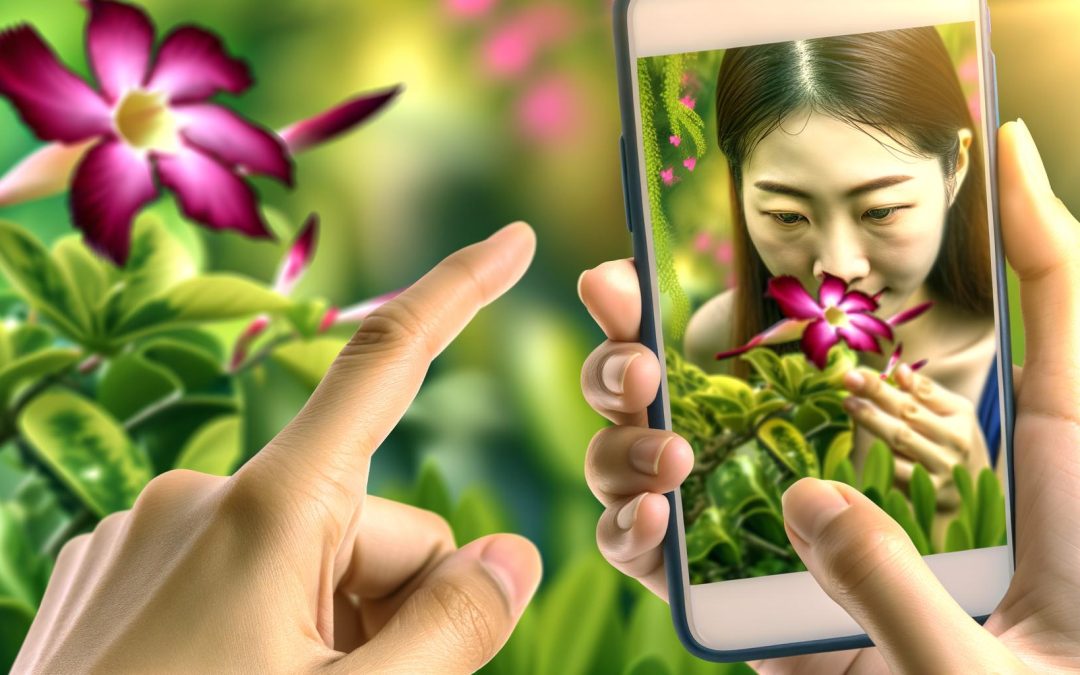
Discover how to create beautiful blurred backgrounds in your phone photos without relying on portrait mode. Learn techniques that make your photos pop and get professional results with every shot, perfect for both beginners and aspiring photographers.
Understanding Depth of Field
Depth of field is the distance between the nearest and farthest objects in a photo that appear acceptably sharp.
Why does it matter? Well, if you’re after that dreamy blurred background, depth of field is your ticket. Phones with advanced camera features give you some control over this. If your camera lets you adjust aperture, you’ll want to set it to its lowest number. This enhances the blur effect by allowing a narrow field of focus.
And then there’s the magic of manual focus. On some models, like the Google Pixel 7 Pro, you can manually choose where to focus. This can really separate your subject from the background.
Light plays a crucial role, too. Bright, even lighting can enhance contrast, making your subject pop against a softer focus in the background.
Placement matters. If your subject is far from the background, the blur increases. But sometimes, I find myself second-guessing, playing around with distances for ages just to get it right. A little trial and error can feel frustrating, but then, doesn’t it often lead to those unexpected gems?
For more depth of field tips, consider exploring how to use depth of field creatively.
Leveraging App Technology
Mastering a blurred background without portrait mode is entirely possible. With the right mobile apps, you can elevate your photo game even if your phone doesn’t have built-in portrait mode. Now, let’s dive into how you can leverage these nifty tools.
Apps like Snapseed can create that desirable blur effect. They come equipped with selective focus features that allow you to choose which parts of your picture stay sharp. As you play around with these settings, you’ll find that achieving a pro-level blur is sometimes just a tap away.
Start by opening your app. Select the photo you want to edit, and choose the ‘Lens Blur’ option. This lets you adjust the focus area, blur strength, and even the transition smoothness. Having done this myself, I found it surprisingly intuitive—sometimes even fun. My first attempt? Not so perfect. But that’s the charm, isn’t it? Learning as you go.
Limitations? Sure, there’s a learning curve. Some apps might offer limited features for free. But once you get the hang of it, the sky’s the limit. If you’re interested in such skills, you may look into a Beginner’s Guide to Editing Photos.
Keep experimenting! You’ll soon discover how these apps can really up your mobile photography game.
Creative Techniques for Background Blur
Sometimes, the most creative techniques spring from simplicity.
Now, imagine trying to get that elegant background blur without relying on fancy portrait modes. Sounds tricky? Maybe, but it’s entirely possible. Here’s where your inner artist comes into play. Start by moving closer to your subject. It’s like an unspoken secret among photographers. The closer you get, the further the background seems to drift away into dreamy softness. Great for detail shots.
Then there’s the magic of angles. By shifting perspectives, you can alter how the background interacts with your subject, creating a more dynamic scene. Try crouching, leaning, or even standing on something sturdy. Surprise yourself with what an unexpected vantage point can do.
Props can be unexpected heroes too. A simple veil of lace or a hand-held light source can create separation between your subject and background. It’s almost like giving your photo a story, a whisper of context.
Let Mother Nature lend a hand as well. Leverage the visual texture of leaves or flowers close to the lens. They naturally frame your subject, adding depth and subtlety.
Photography is a playground of exploration. Why not see how these techniques can transform your own photos? Dare to play with these ideas and who knows, you might stumble upon a unique style that captivates, reminiscent of what one might find in the guide on using props in photography.
Embrace the unpredictability, relish the imperfections, and watch as your skills grow with each click. Plus, isn’t there something a bit magical about knowing you crafted that blur all on your own?
Final words
Mastering background blur on your phone opens a world of creative possibilities without needing portrait mode. By understanding depth of field, utilizing apps, and getting creative with angles and props, you can transform your photography skills. Unlock the full potential of your device and take stunning, professional photos.