
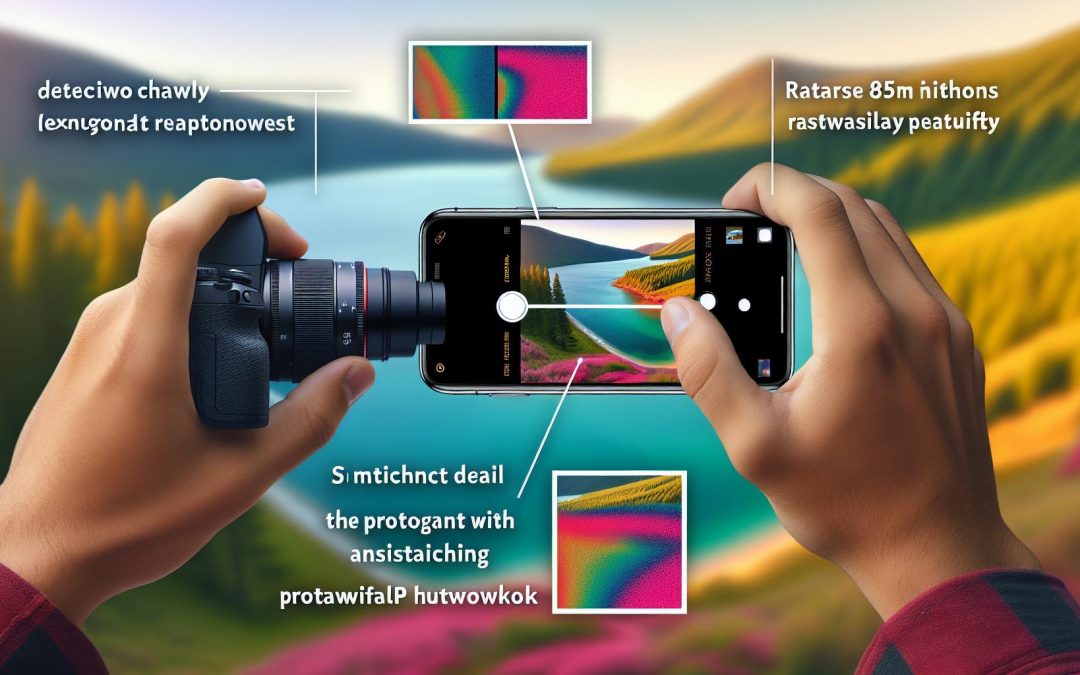
Unlock the potential of your photography with the iPhone 17 ProRAW. Dive into a seamless workflow from capture to editing. Discover how this powerful tool revolutionizes your process and enhances your creativity.
Understanding ProRAW: The Basics
ProRAW is the powerhouse format you didn’t know you needed.
For those who crave control and flexibility in their photography, ProRAW on the iPhone 17 is a game changer. It blends the best of RAW with computational photography, offering a treasure trove of potential. Imagine capturing a sunset without losing those elusive orange hues, or snapping a bustling street scene and preserving every detail in the shadows. The possibilities are as vast as your imagination.
Now, let’s talk nuts and bolts. ProRAW brings 12-bit depth to the table. This means more colour data is at your fingertips. Remember those editing moments when you wish for just a tad more dynamic range? With ProRAW, your iPhone 17 handles that with polished ease. It ensures your highlights don’t blow out, and those dark, moody shadows stay rich and textured.
A practical example: picture shooting in bright daylight where contrast is stark. ProRAW captures detail in both bright skies and shadowy corners. It’s like having a little cushion for all your exposure anxieties. And for the more technically inclined, the way ProRAW manages dynamic range? Smooth. It feels practically like magic when you start editing.
Consider a scenario—you’re on a holiday, and every photo opportunity is sacred. The iPhone 17, armed with ProRAW, becomes your trusty sidekick, ensuring each snap is pristine and full of editing potential.
Encouragement? Dive into ProRAW, if you haven’t yet. It’s more personal, like handling a delicate recipe where you control the spices. For a deeper dive into how different formats stand up to each other, check out this article on RAW vs JPEG vs HEIF in 2026. Your creativity deserves every opportunity to shine.
The Capture Process
Capturing images in ProRAW with the iPhone 17 is your gateway to ultimate flexibility.
First, make sure ProRAW is enabled. Dive into the camera settings and toggle the ProRAW feature. Simple? Yes, but essential. For the best shots, your starting point is the right scene mode. Whether it’s landscape or portrait, each mode has its own flair. Use the basic Camera app, and once you’ve picked your mode, shift gears and consider exposure adjustments.
Subtle changes to exposure can shift your photo from good to exceptional. I mean, we’re working with an impressive dynamic range here. While tapping and sliding, one tip I’ve learned—never be afraid to experiment with over or underexposing a shot, particularly when you know ProRAW will allow for later corrections.
Now, lighting, this is where your artistry shines through. Natural light is your best companion, trust me. Aim for early morning or late afternoon when the sun gifts us that gentle glow. And yet, sometimes artificial light adds complexity, bringing depth that daylight can’t offer.
Framing becomes your silent storyteller. You want to guide the eyes, so don’t shy away from experimenting with angles. I find a slightly off-centre composition can create tension, in a good way. Stability is another cornerstone. Even a small tremble can shift focus where it’s not wanted. Use a tripod if needed—it saves a lot of heartache.
ProRAW gives you a canvas to mould when editing. Remember, you have breathing space to make adjustments later on. It’s about setting the stage for what comes next—a detailed, no-holds-barred editing process.
If you want to dig deeper into nuances, this iPhone 17 Pro guide is a go-to.
Editing Techniques
Editing RAW photos from your iPhone 17 can be an eye-opening experience. After all the careful setup during the capture phase, you’re now ready to unleash the extensive editing potential of ProRAW files.
ProRAW files are like unpainted canvases. They hold incredibly rich data, offering countless possibilities to shape your vision. Tools like Adobe Lightroom are your trusted partners here. Not only do these apps handle ProRAW files gracefully, they also provide a playground for your creativity. Imagine adjusting the white balance, not just moving sliders. You’re fine-tuning the temperature to echo the environment you felt while capturing.
Picture an overcast day. Perhaps the exposure feels off. With ProRAW, tweaking exposure is effortless, enabling you to add or subtract light with precision. And shadows? They’re no longer barriers. You have the control to deepen them or let them whisper in whispers.
Experimentation is your best friend here. Trust your instincts. Maybe that underexposed shadow creates a perfect mood. Go beyond the obvious. Dare to try what feels almost wrong to the untrained eye. Just be cautious not to over-edit. It’s an art to strike a balance between enhancing an image and maintaining its original essence. A bit like life, really.
A smooth workflow can save you both time and headaches. Save presets for frequent edits. This small step can mean more time experimenting rather than repeating tedious actions. And if something goes astray, there’s always that handy undo button to assure you it’s all part of the learning curve.
One last whisper, embrace imperfection. Each edit adds a layer to your style. The beauty of editing is in the nuances, the slight hesitations that echo your personal touch. Your style becomes a signature. And speaking of signatures, why not take a dive into understanding editing nuances versus retouching? It’s a fascinating exploration that could refine your approach.
As you master these techniques, you’re unlocking creativity and potential, blending seamlessly into your unique photographic voice. Perhaps just the beginning of something truly personal, like an artist finding their palette.
Taking Your Skills Further
Mastering the iPhone 17 ProRAW workflow changes the game for photographers.
A seemingly simple concept, isn’t it? But think about the freedom it brings. Picture capturing the raw essence of a scene, knowing that the potential for creativity doesn’t end at the click. Instead, it extends into a labyrinth of editing possibilities.
With mastery comes empowerment. Take the freedom to experiment with the nuances of white balance, or perhaps the subtleties of shadow play. Did you ever feel constrained by the limitations of your tools? Well, now, those constraints melt away. This workflow allows photographers to express their full artistic vision without compromise.
To keep progressing, there’s a world of knowledge just a click away. Resources abound, ready and waiting for you online. You can learn how to enhance your images using Lightroom or explore other advanced software. You might occasionally feel overwhelmed, maybe even stuck. That’s okay. It’s part of the journey.
Yet, don’t journey alone. Engage with communities, join workshops, and yes, seek help when needed. Guidance is a request away. Click here for personalised support, and watch your skills soar.
In learning, we often discover new things about ourselves. With iPhone 17 ProRAW, your growth isn’t just technical, it’s also artistic. If this seems a bit philosophical, perhaps it is. But isn’t that part of the essence of creativity—exploring the unknown? Experiment, make mistakes, celebrate small victories, and most importantly, enjoy the ride. This path is yours to craft.
Final words
Embracing the iPhone 17 ProRAW enhances your photographic workflow, empowering you with cutting-edge techniques and equipment. By mastering this process, you can elevate your skills and produce stunning images. Ready to take your photography to the next level? Reach out today and explore new creative possibilities.