
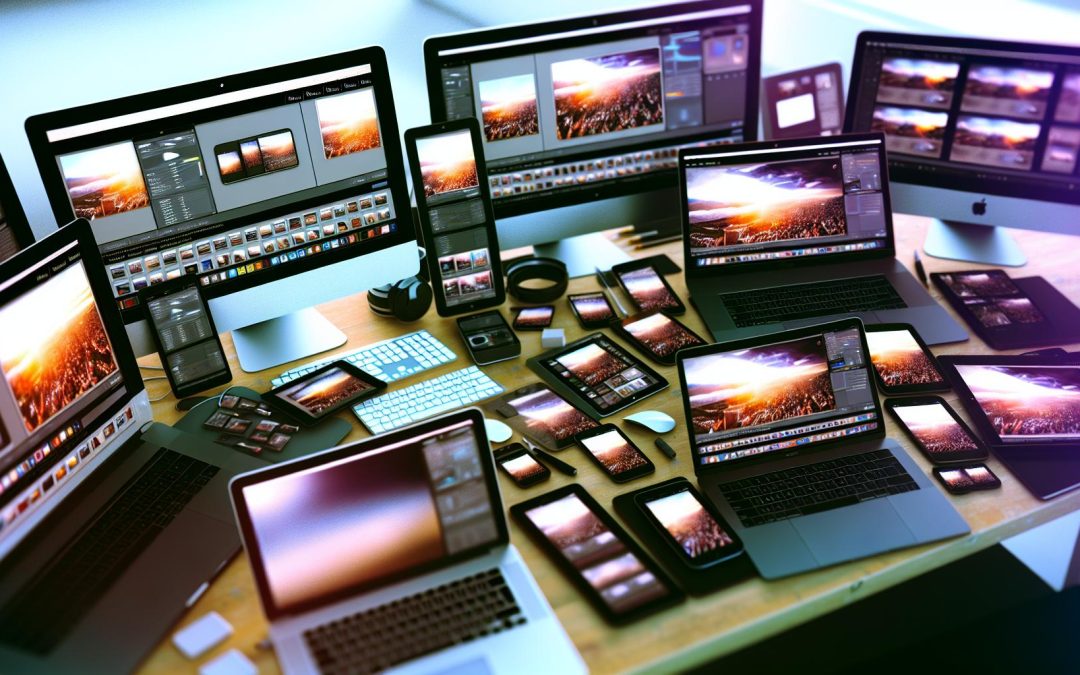
Discover the essential guide to the best free photo editors of 2026 for both desktop and mobile. Tailored for photographers, these tools offer unparalleled capabilities to enhance your creativity, stay ahead of trends, and make use of the latest technology. Dive into the key features and benefits of each editor, and transform your editing skills today.
The Rise of Free Photo Editors
The realm of free photo editors is expanding.
Photographers in 2026 are increasingly embracing these no-cost tools, finding them satisfyingly robust and accessibly straightforward. Frankly, there’s a certain allure in not having to pay and yet still being able to produce quality work. Take GIMP for example, which offers professional-grade achievements without the hefty price tag. The cost benefits are clear, but it’s not merely about the money.
Today’s free editors are impressively equipped. They’re no longer basic, offering features that rival premium options. You want advanced colour correction or precise layer support? They’ve got it, and perhaps more polished than you’d expect. This once limited niche is now possibly brimming with potential for all skill levels. Enhancements in accessibility have removed barriers, allowing photographers all over the world to experiment without restrictions, which is quite liberating.
Staying current with software trends provides a fresh canvas for creativity. By keeping pace, photographers aren’t just following trends, they’re setting them. It’s about empowering through innovation, isn’t it? Maybe I’m overenthusiastic, but tools like these enable endless opportunities to refine craft, just like exploring new creative photography ideas.
Top Free Desktop Photo Editors
Looking for top-notch desktop photo editors without breaking the bank? 2026 is a golden era for free options.
Let’s start with the classic GIMP. Known for its Photoshop-like interface, it’s perfect for those seeking a traditional setup. With layer support, masks, and an array of plugins, GIMP is a digital artist’s dream. Its support for multiple file formats keeps your workflow smooth. While it might feel overwhelming initially, the results speak volumes for seasoned users and beginners alike.
Next, step into the realm of Darktable, especially loved by photographers for its specialised RAW processing. Its non-destructive editing ensures your originals remain untouched, making every edit feel like a new beginning. The AI-powered tools cater to modern needs, perhaps making magic with just a click. Its learning curve? Steeper, maybe, but well worth the investment.
Then there’s Paint.NET, a simpler alternative for quick edits with remarkable results. Fast, intuitive, it might lack some advanced features, yet it’s reliable for everyday tasks. Less intimidation means more focus on creativity.
All in all, free editors empower photographers to enhance and refine their art. Expect more experimentation without the pressure of expensive subscriptions? Absolutely. It’s all about finding the tool that fits your creative style. Photographers also have plenty of tools for other challenges like avoiding common mistakes.
Leading Free Mobile Photo Editors
Mobile photo editors are redefining photography by providing robust tools at your fingertips.
Imagine this. You’re commuting, latte in one hand, phone in the other. With apps like Snapseed or Lightroom Mobile, you’re not just tagging and sharing—you’re creating. The AI tools make adjustments with a click. Whether it’s tweaking shadows or brightening eyes, it’s like every mundane moment carries creative potential.
Take cloud sync, for example. You’re editing during lunch, then you continue right from where you stopped at home on your tablet. It’s seamless. Perhaps, it subtly changes how photographers juggle work and life.
There’s more. Community collaboration tools let photographers access feedback from peers globally. It nurtures a sense of growth through shared learning.
Let’s talk workflow. Pack your tools according to the task—not every app needs to stay on your home screen. Isn’t streamlining storage a tiny stress reliever? And about staying future-ready, keeping pace with emerging tech is as vital as mastering lens settings. For more about how to take better photos with your phone, check out this guide.
So, dive in but maybe don’t expect perfection. Embrace the quirks of mobile creativity.
How to Choose the Right Editor for You
Choosing the best photo editor isn’t a one-size-fits-all process.
Think about your needs. Are you a professional photographer or someone who just wants to tweak holiday snaps? For desktop options, GIMP offers powerful features rivaling paid software without costing a penny. If you’re on the move, Snapseed provides a remarkable level of control on mobile and is intuitive enough for beginners.
Desktop editors generally offer more extensive tools, perfect for detailed edits. They demand more storage and power though, isn’t that sometimes a bother? On the upside, mobile editors let you edit anywhere, like waiting for the train. Yet, they might feel a bit cramped for complex tasks.
Try considering your workflow. Do you prefer working in a dedicated studio setting or casually on your phone? Why not experiment with both and see which fits your style? Or perhaps, blend their strengths.
For distinct editing challenges, such as understanding the difference between editing and retouching, it might be helpful to dig in further.
Confused, or need a bit more guidance? Don’t hesitate to reach out for advice on tailoring your choice.
Final words
In 2026, the best free photo editors for desktop and mobile offer powerful features and intuitive interfaces. Whether you’re a budding photographer or a seasoned pro, these tools provide everything needed to elevate your work. Harness these editors to refine your images and embrace the latest photography trends. Ready to enhance your craft? Reach out at the provided link.