
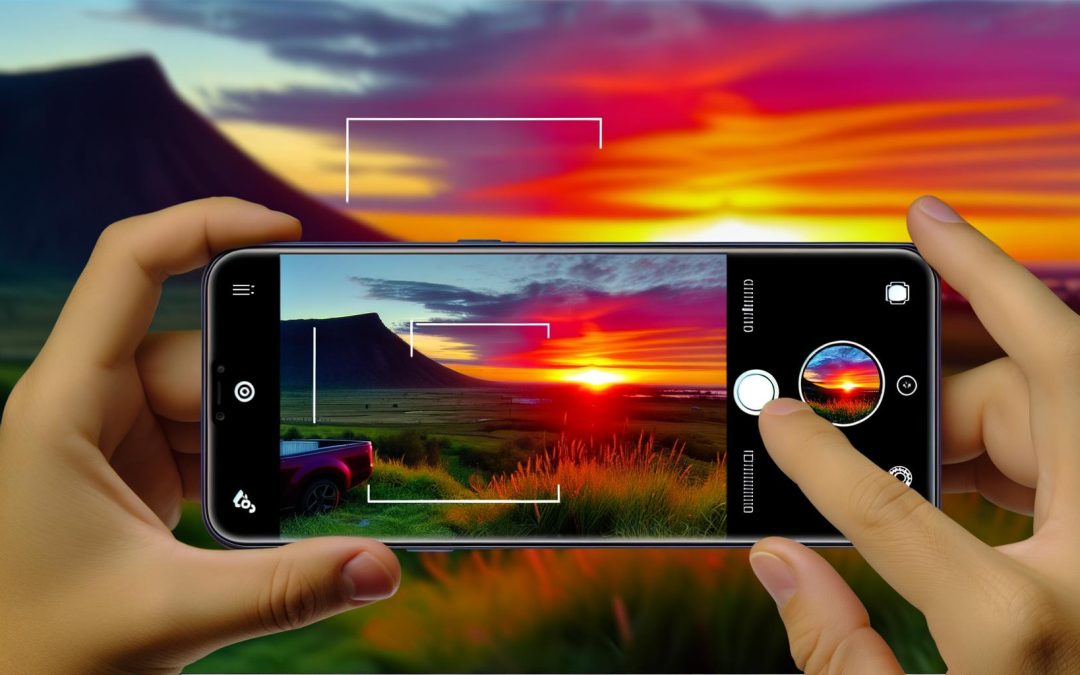
Ready to elevate your iPhone photography game? Discover how iPhone 17 Pro camera settings can transform ordinary snapshots into jaw-dropping photos. From understanding sophisticated features to practical shooting tips, this guide empowers you to harness cutting-edge technology, ensuring every photo is a masterpiece.
Understanding Your iPhone 17 Pro’s Camera Features
The iPhone 17 Pro camera features are exquisite.
Its advanced sensors and lenses offer a canvas of possibilities. With capabilities that whisper of hidden depths, your smartphone isn’t just a tool, it’s a partner in capturing the world. Imagine the detail. Each sensor captures nuances, each lens reveals shades and textures previously unseen. Perhaps you’ve noticed the clarity, a subtle sharpness that brings photos to life. This magic happens thanks to the cutting-edge tech that fits comfortably in your pocket.
Now, to the camera’s AI-driven modes, they’re transformative. These modes support you, especially in tricky lighting. The AI detects what’s best for your shot and tweaks settings to enhance your results. It’s a bit like having a silent advisor tapping into years of expertise, silently guiding the perfect adjustments.
Yet, technology needs a familiar hand. Dive into the settings yourself. Personalise them. Get to know the quirks and charm of your iPhone 17 Pro. Because understanding its personality will make each photo a story told in breathtaking detail.
To get the most out of your camera, explore best lenses for landscape photography. Your phone, as it happens, shares DNA with some of the industry’s finest. Awaken its potential, subtly and skillfully.
Essential Settings for Professional Results
The iPhone 17 Pro camera settings can spell the difference between stunning photos and mere snapshots. They are the secret weapons in your creative arsenal, offering control over light and focus.
To get started with professional results, let’s explore exposure. A good exposure strikes balance in light and shadows. On your iPhone, it’s as simple as tapping your subject and sliding your finger up or down. It’s like a magic wand for dealing with harsh sunlight or dimmer settings. Imagine a sunset, the grid of orange and pink airbrushing the sky—that’s where adjusting exposure can convert vibrant hues into a captivating scene.
Next up, the focus. The iPhone lets you lock it. Tap and hold on your subject, a small yellow box appears—your focus is firmly fixed. Consider how much sharper your pet’s frolic in the park might be. Now, add ISO to your toolkit. Higher ISO boosts sensitivity, perfect when the light is scarce (like a funky little café with mood lighting). Yet, steer clear of sky-rocketing ISO to avoid grainy pics.
Remember, these settings feel different whether you’re indoors or soaking in fresh air. Take a moment, experiment, let trial and error guide you. Your photography journey will offer surprises.
For aspiring pros, striving for consistent quality helps. Adjust these settings when shifting environments to tap into different moods. For a deeper dive, check out How to Get Sharp Focus Every Time. It’s like adding spice to a meal, tweaking it till just right. With practice, these settings become more instinct than instruction—crafting images that tell stories only your unique view can see.
Creative Techniques for Stunning Photography
Exploring creative photography techniques paints a vivid narrative in your images.
Perfect composition often starts with the rule of thirds—a favourite among photographers, but don’t let that limit you. Sometimes breaking the rules makes your work stand out. Imagine capturing a sunset where the sun plays peek-a-boo with the horizon, deliberately nudging the central line. It’s like capturing a moment that does more than just look pretty.
Lighting is your silent partner in storytelling. When natural light falls short, the iPhone 17’s Night Mode jumps to the rescue. A splash of creativity, and suddenly a poorly lit alley turns into a mysterious urban setting. You might think it’s the device doing the magic, but a bit of keen observation makes all the difference.
Subject interaction brings yet another layer. It’s intriguing how a candid laugh or a shared gaze can make photos pop. Portrait mode on the iPhone adds dramatic flair, but don’t forget to experiment. Maybe showcase that confident smirk standing stark against a soft-focus background.
Your shots need a narrative, no matter how small. Every click may not be perfect, but the beauty of imperfections often draws the eye. Keep experimenting to see how those slight adjustments change perception. For more on making your work uniquely yours, check out this resource. It gently guides you without overwhelming you.
Perhaps the act of telling a story is about more than just pressing a button. It’s a subtle interaction between you, your subject, and every shadow or beam of light that influences your frame.
Maximizing Post-Processing on iPhone 17 Pro
Post-processing on the iPhone 17 Pro can make your photos truly shine.
You’ve captured what you believe is a stunning image, but there’s an itch to refine it, right? Enter post-processing, the magical phase where good photos morph into great ones. It’s a step that lets the personality of your shot come alive. Apps like Adobe Lightroom offer advanced tools to give your images that extra flair, from subtle contrast tweaks to making colours pop with warmth or coolness, but enough tech talk for now.
Perhaps you’re wondering if you might go overboard with these enhancements. I’ve been there. The fine line between artful edit and overdone fake’s tricky to navigate. It’s all about enhancing—not drowning—the original beauty. Consider using the iPhone’s in-built features like the retouch tool; they allow you to make micro-changes without straying too far.
The secret’s in the subtlety. Boosting the luminosity to focus on a sunlit face can bring out emotions otherwise unnoticed. Or, your thumb grazing the saturation slider might make a blue sky sing without turning it into an alien landscape. Check out this guide on editing photos with Lightroom for more tips.
It’s a balance, like seasoning a dish. Overdo it, and you mask the flavours. Underdo it, and you miss the potential.
Final words
By mastering iPhone 17 Pro camera settings and techniques, you’re equipped to capture photos that impress. From creative shooting to thoughtful post-processing, each step is crucial. These skills empower you to leverage the latest trends and technology, ensuring every shot is striking. Ready to take the leap? Get inspired, practice, and see the difference in your photography today.